Discover every feature built into GSMtasks to optimize routes, manage your fleet, and keep field teams connected from a single mobile app. Teams that move task management to mobile see real gains: field service companies using mobile solutions report higher staff productivity across the board.
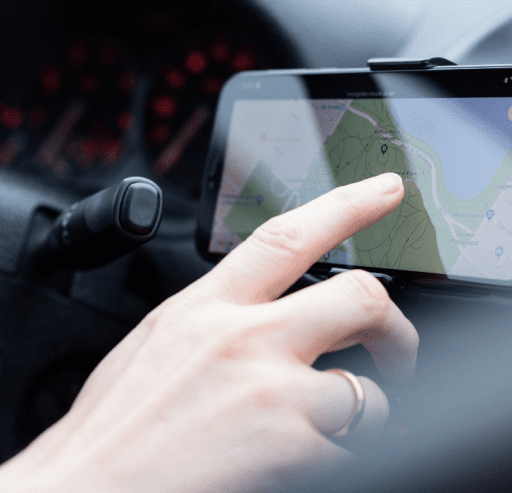

GSMtasks' routing engine automatically sequences multi-stop routes in minutes, factoring in stop order, driver capacity, and traffic conditions. Instead of manually planning routes by hand, dispatchers get an optimized plan they can adjust on the fly, cutting windshield time and freeing up hours of planning work each week.

Set up a task once and let it repeat automatically, daily, weekly, or on whatever cadence the job needs, instead of re-entering the same job details every time. Link related tasks together when an order requires more than one stop, so multi-leg jobs stay connected in the system.

Track only the metrics that actually matter to your business: how long drivers spend on the road, how far they travel, and how long each task takes to complete. GSMtasks presents this data in a clear, easy-to-read format so managers can spot inefficiencies without digging through spreadsheets.

The moment a job is finished, drivers can send a digital worksheet with an attached signature straight to the customer from the app. That gives both sides an instant, verifiable record of completion, without paper forms that get lost or delayed.

Enter the day's tasks and GSMtasks' route optimization automatically builds the most efficient path between them. Because routes are generated automatically rather than mapped out manually, fleets typically cut unnecessary mileage and the fuel cost that comes with it.

GSMtasks connects directly to the navigation apps drivers already use and trust, including Waze, Sygic, and Google Maps, so turn-by-turn directions are one tap away from any task in the driver app.

Drivers get a dedicated mobile app with everything they need for the day's tasks: addresses, instructions, and real-time updates, so the whole fleet stays informed and on schedule without constant phone calls back to dispatch.

Add custom fields to capture whatever extra information your business needs, visible in the detail view, list view, or directly in the driver's mobile app. This is especially useful when different job types need different details captured in the field.

Keep customers in the loop automatically with SMS and email notifications triggered by real task events, when a driver starts a job and when it's completed, without dispatchers having to send updates manually.

See every in-progress and scheduled task on a live map, along with each driver's current location and where they're headed next. It's a single view of the entire operation instead of piecing updates together from radio calls or messages.

Capture customer signatures directly on completed job documents, so delivery and service requirements are fulfilled digitally rather than relying on paper forms that need to be scanned or filed later.

Reassign and reschedule tasks with a simple drag-and-drop action, available in both the management dashboard and calendar view, so last-minute changes don't require rebuilding a route from scratch.

Every document a task requires, worksheets, forms, checklists, can be handled digitally through GSMtasks instead of on paper, cutting down on physical storage and the risk of lost paperwork.

GSMtasks connects with the systems you already run, including CRM and warehouse software, so task and customer data flows automatically between them instead of being re-entered by hand.

Task status updates in real time as work happens in the field, so dispatchers and managers always know exactly where a job stands without having to call and ask.
Attach photos directly to a task's digital documents to fulfill delivery or service requirements with visual proof, whether that's a completed installation, a delivered package, or damage documentation.

GSMtasks can parse incoming order emails from delivery and marketplace platforms like Grubhub and automatically turn them into tasks, so orders that arrive by email don't need to be manually re-typed into the system.

Field teams that still coordinate by phone calls and paper job sheets lose time at every handoff: a dispatcher writes down an address, a driver copies it onto a route sheet, and a customer waits without knowing when help is actually arriving. Moving that entire workflow into a single mobile app removes each of those manual steps, and the impact shows up in the numbers. Field service companies that have adopted mobile task management report meaningfully higher staff productivity than those still running paper-based processes, according to field service software adoption research.
The features above are built around that same idea: give dispatchers, drivers, and customers real-time visibility into the same job, automatically, instead of relying on someone remembering to make a phone call. Whether you manage a small local delivery fleet or a nationwide field service team, moving task management onto mobile is one of the more direct ways to cut wasted time and give customers a better experience.

A tracking number alone rarely settles an "item not received" dispute. Here's what actually counts as evidence, and how proof of delivery software builds it automatically.
Failed deliveries cost more than a second trip — redelivery, support, compensation, and returns all add up. Here's what the data says it actually costs, and how proof of delivery helps prevent it.

Discover how ecommerce route optimisation can drive sales and streamline ecommerce deliveries, and why efficient routing reduces cost and delays.
Just watch your daily operations improve!
Start your free trial No credit card required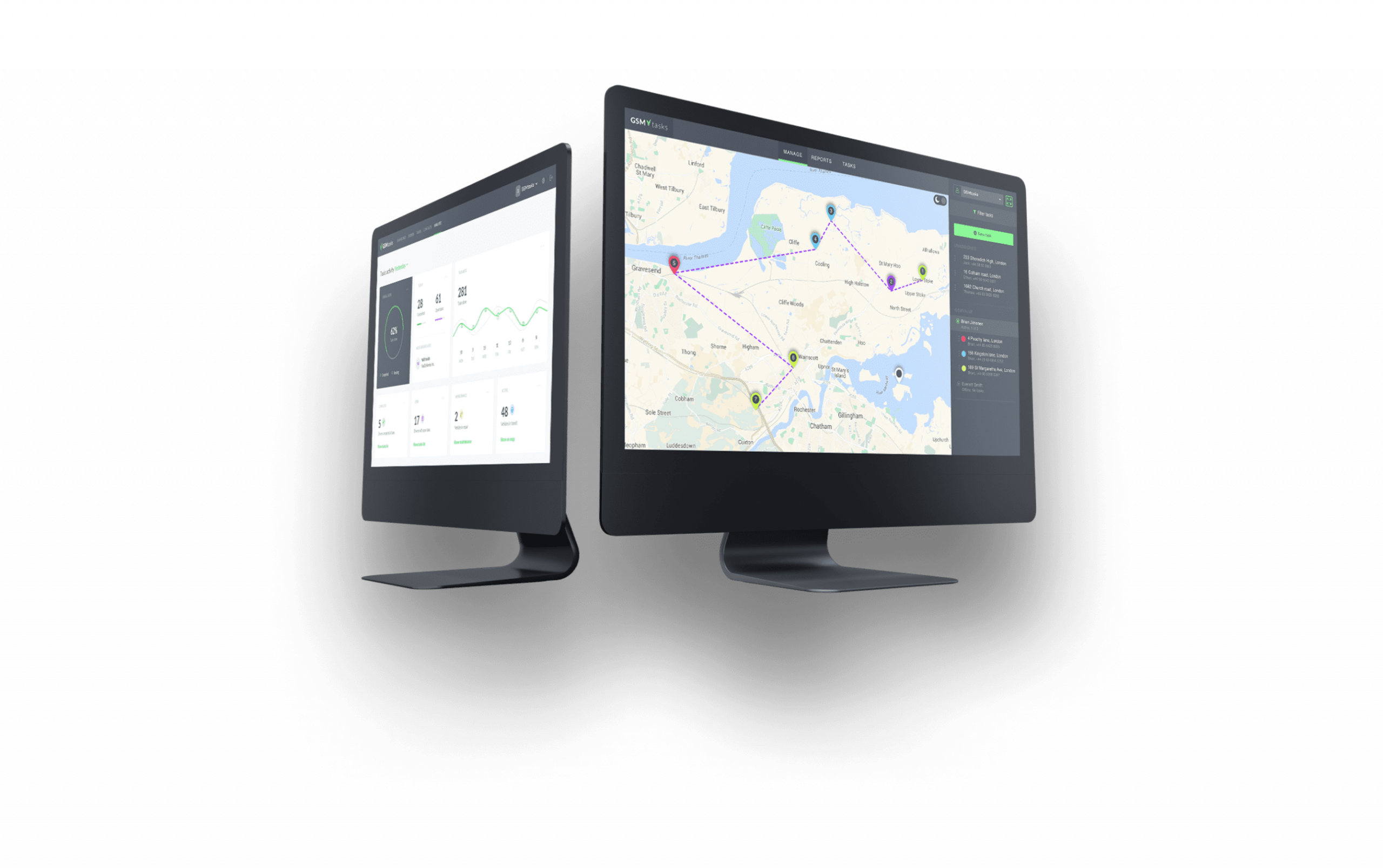
The app allows for easy communication between you and your drivers while providing drivers with all of GSMTasks benefits.

 GPS Tracking